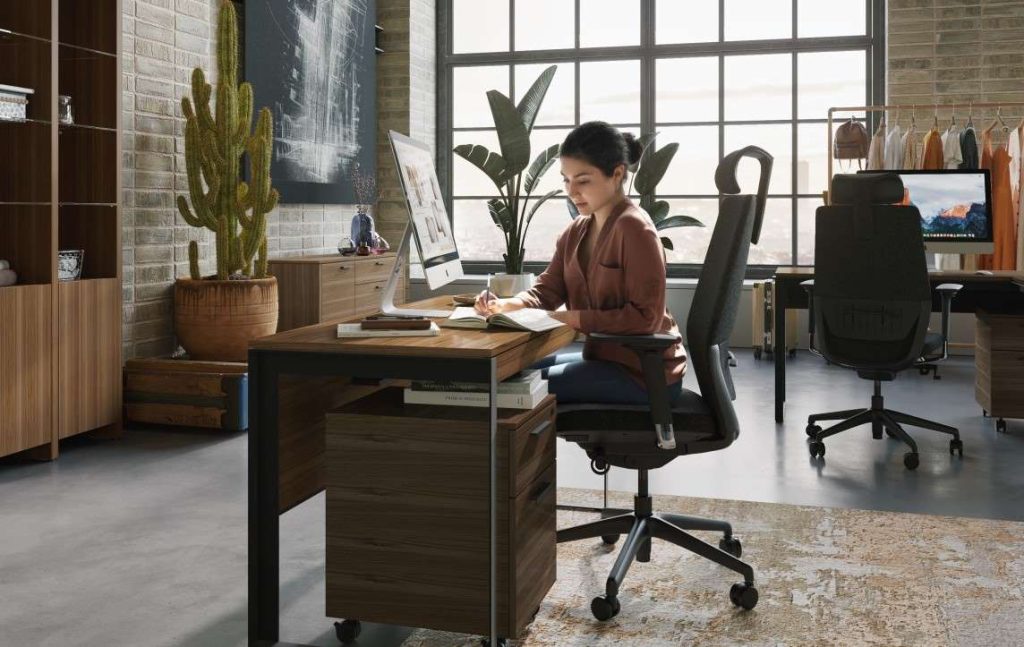
According to one estimate, the average American will spend 90,000 hours of their life working. For many of us, that time will be spent at a desk and computer. That’s why it’s crucial to consider the design of our offices and office furniture, as these factors can have ripple effects that impact health and functioning in other areas of our lives.
At Copenhagen, ergonomics and functionality are a top priority when selecting pieces for our office collection, and we carry a number of brands known for top-notch design, including Humanscale, BDI, Via Seating, Quadrifoglio, and more.
Jonathan Puleio, Global Vice President of Humanscale, further breaks down the importance of health-conscious work environments. “Let’s assume the average person is awake for 16 hours per day and spends 8 hours in an office, up to 5 days per week, or 50% of their waking hours from Monday through Friday,” he states. “Well-designed office environments combat prolonged sitting and awkward postures, reducing the risk of injury and circulatory/cardiovascular problems. From a mental health perspective, healthy work environments positively impact energy, mood, and temperament, and the quality of social interaction both in and outside the office.”
If you’re seeking to optimize your office for well-being, this guide is for you. Below, we cover factors to consider, from seating to lighting to body alignment – featuring tips and recommendations from Puleio and the Humanscale team.
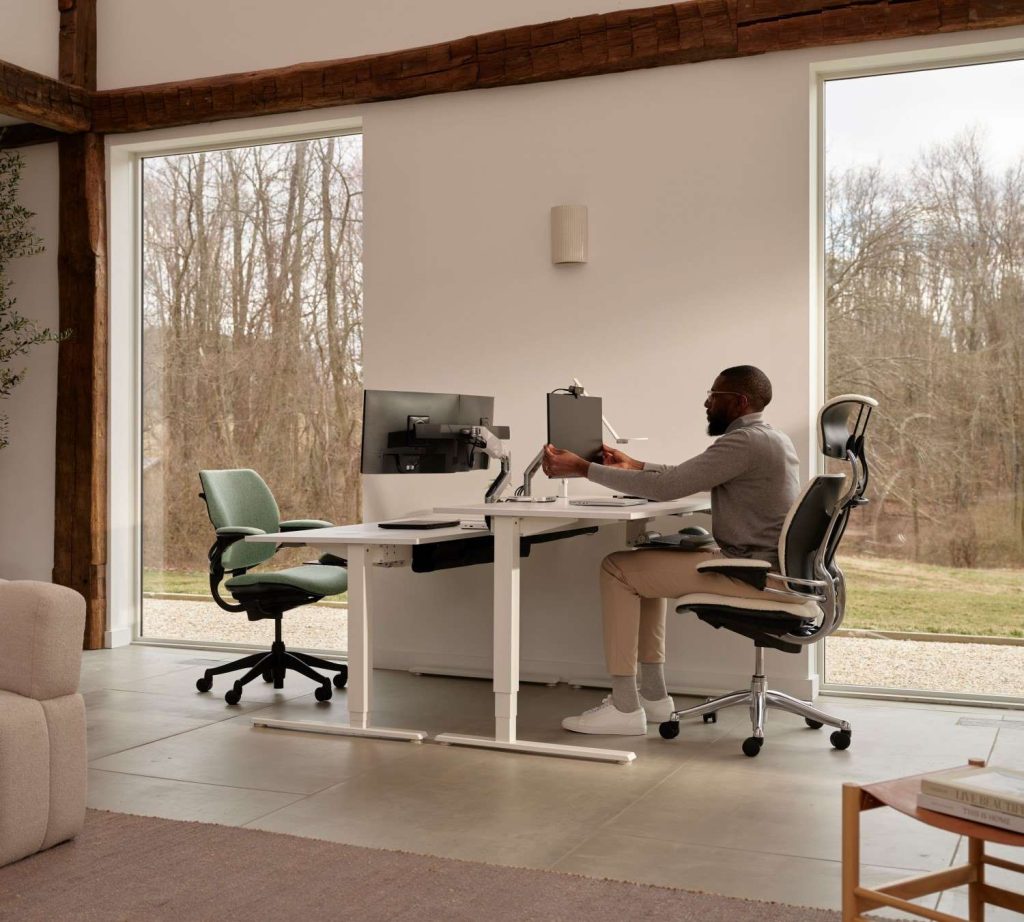
If you haven’t already, evaluate how various parts of your body are positioned in relation to your workstation. “Factors like hand and wrist posture and monitor position are critical parts of an ergonomically designed work environment,” says Puleio. “If these elements are not considered, users are likely to develop discomfort, pain, or injury over time.”
When sitting at a desk, Puleio and the Humanscale team recommend adjusting your seat height so that your thighs are parallel to the floor. From there, position your keyboard roughly 1.5” above your legs so that your forearms are also parallel to the ground. While typing, maintain a straight line from your forearm through your wrist and hand and avoid angling your wrists upward – using a palm support can be helpful for alignment.
The optimal monitor placement should be at least an arm’s length away, with the top of the screen at roughly eye level. Place your mouse close to the keyboard, and move your mouse by engaging your entire arm, rather than anchoring your wrist in place.
Office chairs
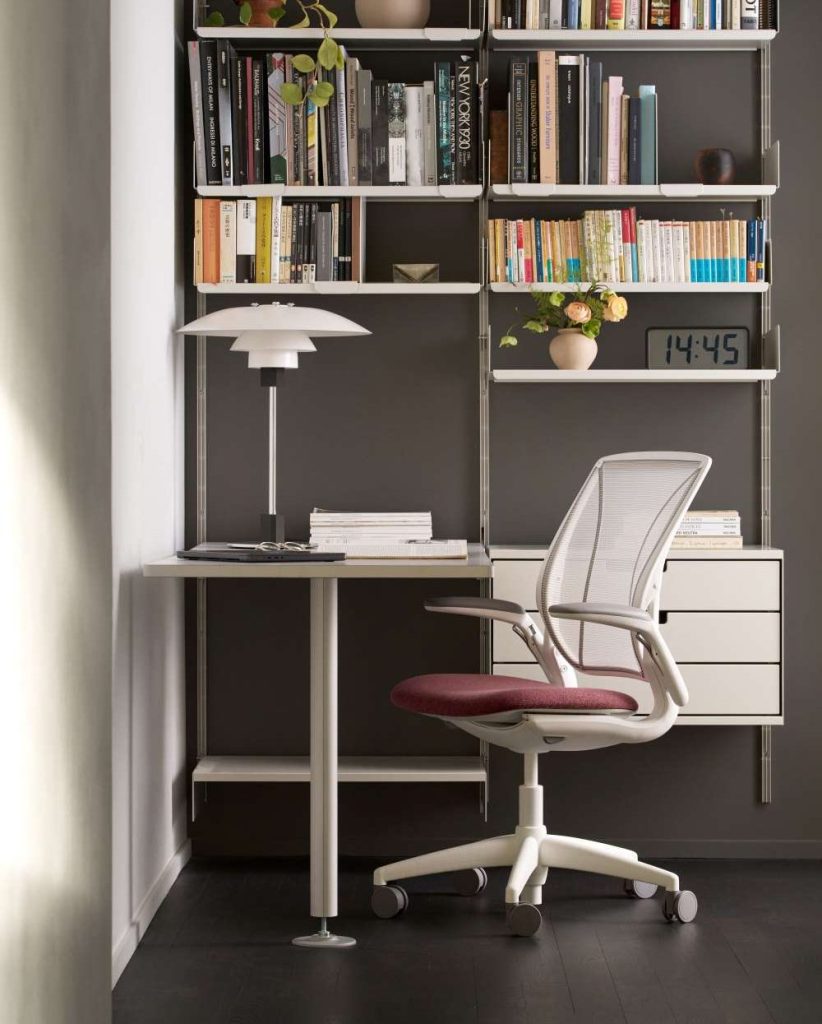
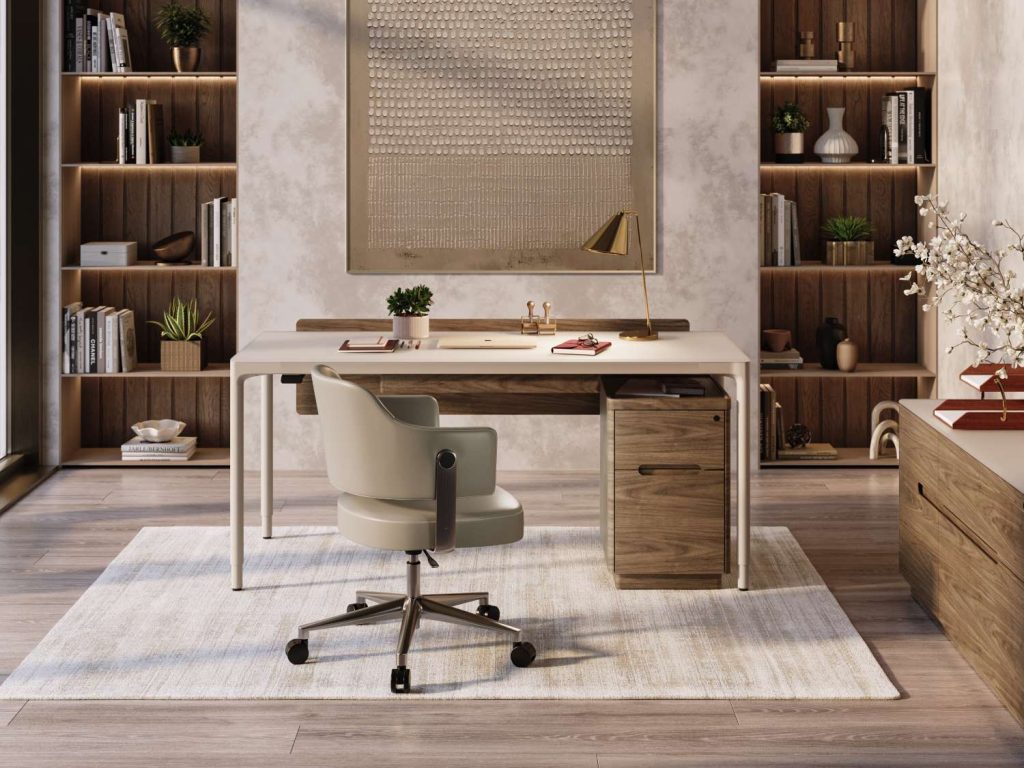
From a health perspective, the chair you sit in may be the most important piece of furniture in your office. Puleio emphasizes the importance of ergonomic chairs, stating, “Sitting still for prolonged periods of time is a recipe for the development of low back disorders. Well-designed chairs promote movement and encourage frequent postural shifts.”
Indeed, Humanscale office chairs are engineered for both flexibility and support throughout your workday. “Our chairs are equipped with self-adjusting, weight-sensitive recline mechanisms so that the user doesn’t have to make manual adjustments to knobs and levers,” Puleio explains. What’s more, their ultra-adjustable frames let you customize everything from seat depth to arm length, to backrest height. A chair like the Freedom has indented cushions that reduce pressure on your spine and tailbone, while the World model is made from adaptive form-sensing mesh.
The Copenhagen office collection offers many executive and task chairs in a variety of styles and price points, all vetted for superior ergonomics. From the lumbar support of the Mayfair‘s plush leather seat to the contoured headrest of the Corbin, you’re sure to find the office chair that’s just right for you. The Moon chair is another standout piece, featuring an infinity shape that promotes healthy posture by shifting your weight toward your knees.
Desks
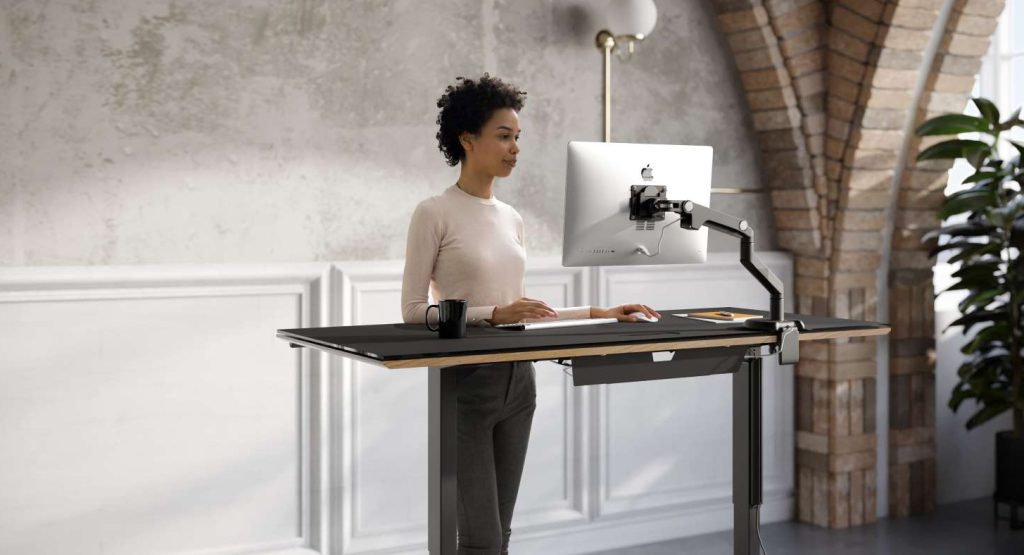
Another must-have for a health-conscious workspace is a sturdy desk that’s the right height for your body to stay comfortably positioned. Lift desks have boomed in popularity in recent years for their adaptability and health benefits, “namely improved circulation and cardiovascular health,” says Puleio. He continues, “Research suggests that introducing 2 hours of standing per day, in 15-minute intervals, will increase caloric expenditure by up to 340 calories.”
Elegant and streamlined, the BDI Luma Lift Desk has a four-leg power lift system, as well as a warm color scheme featuring a beige top in satin-etched glass. The Rilega Lift Desk combines versatility, sustainability, and value as part of our Essentials Collection – it’s made of 100% recycled wood with a melamine finish in walnut or oak.
Other equipment
Besides chairs and desks, you may also be interested in other equipment that enhances the health and comfort of your office setup. For instance, split keyboards and ergonomic mice are designed to match the natural anatomy and positioning of your hands and wrists. Monitor stands can lift your screen to a better height for working, while cushioned mats can reduce fatigue from standing when paired with a sit-stand desk. A mobile file pedestal like the Sequel 20 keeps documents and supplies easily movable while saving you the strain of having to lift the unit to reposition it.
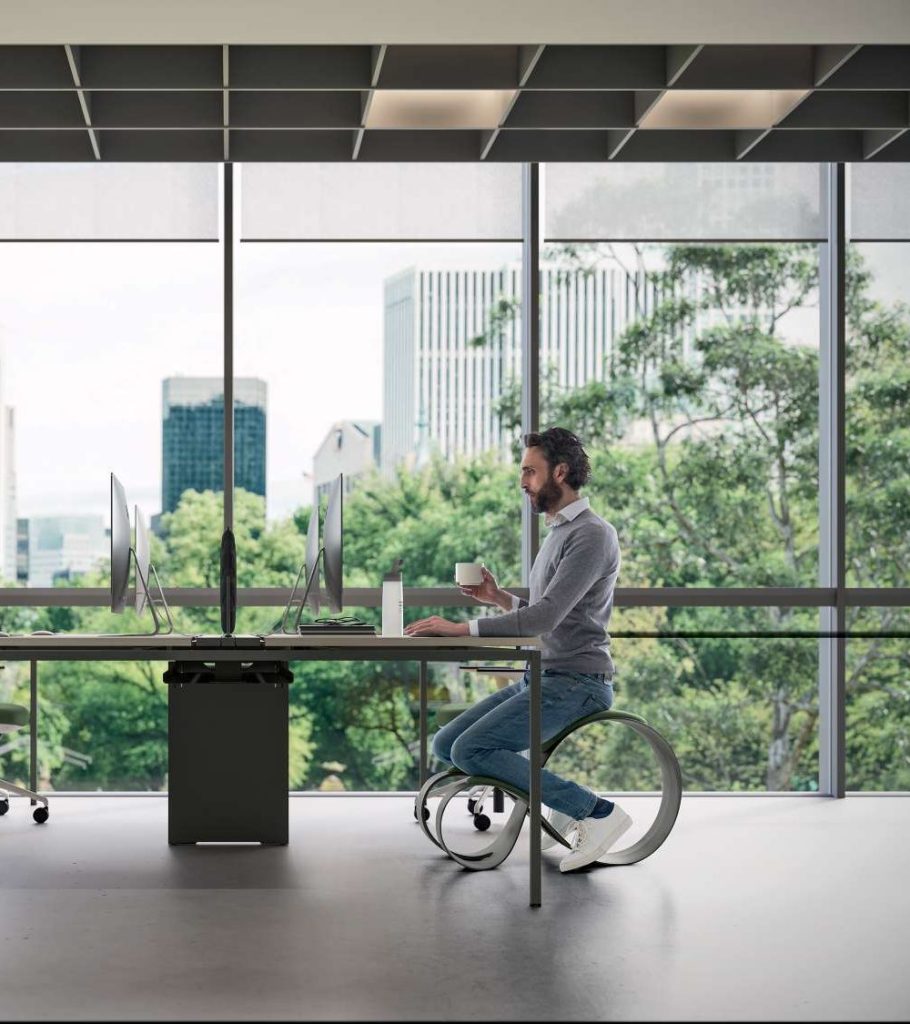
Beyond furnishings, aspects of your surrounding environment, like lighting, can strongly impact your well-being. Try to maximize natural lighting in your office, as it helps to boost mood and regulate circadian rhythms. For task lighting, we recommend lamps whose positioning, brightness, and color temperature can be adjusted, like the Z-Bar or Wheaton. Place your lamp on the opposite side of your dominant hand and away from computer monitors to reduce glare.
Eyestrain can be a common issue for people who look at screens for prolonged periods. Keep the “20-20-20 rule” in mind, i.e. every 20 minutes, look for 20 seconds at something roughly 20 feet away. If you need to work on your computer at night, be mindful of blue light exposure, which can contribute to eyestrain and disrupt sleep. Using blue light filtering glasses or setting up your device to emit warmer light during evening hours can mitigate these effects.
Other factors to pay attention to include air quality, hydration, biophilic design, and taking breaks. Keep a reusable water bottle close at hand to stay hydrated, and consider an air purifier if you’re concerned about indoor air quality. Incorporating plants or other connections to nature in your workspace can increase feelings of well-being, according to biophilic design. Finally, don’t underestimate the importance of taking regular breaks to refresh and refocus yourself.
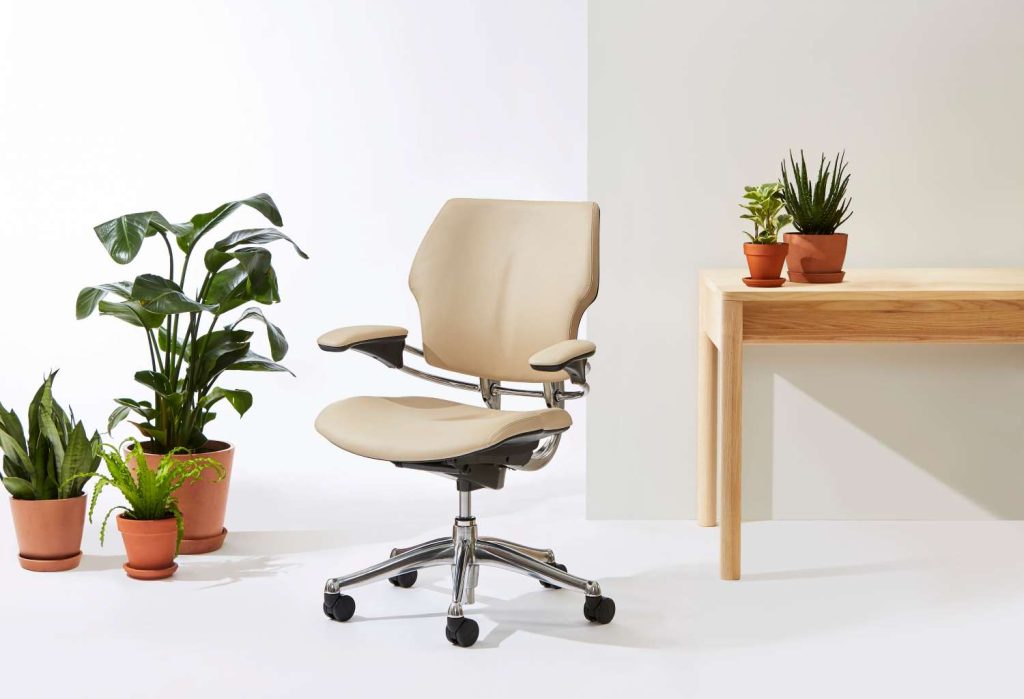
A workspace that is health-conscious on all levels will not only factor in the health of the individual person, but also the health of the planet. Our sustainable design collection curates a number of brands, like Humanscale, that are leading the way in environmentally friendly products and processes.
“We all share a responsibility to protect and preserve the environment for future generations,” says Puleio. “Whereas most companies commit to lessening their impact on the environment, we strive to improve it.” For instance, the plastic used in Humanscale seating is either ocean-bound or recovered from the ocean. Humanscale utilizes solar power and rainwater harvesting at all their factories, and they offer 29 products (including Freedom, Liberty, and World) whose production leaves a positive environmental impact in terms of carbon, water, and energy.
Here at Copenhagen, we’re ready to help you make your workspace as healthy and streamlined as it can be – without sacrificing aesthetics. Browse our selection of modern office furniture that enhances the way you work and live.